C
Apps › Business › COKOPOS
COKOPOS icon

COKOPOS

COKOPOS
Contains ads: No · In-app purchases: No
4.9 ★
12 reviews
66.5 MB
APK
v1.0.36
Android 8.0+
⬇ Official build · Direct install, no Play account needed
📲 Install like Google Play — just 4 steps
0%
0/4
icon
COKOPOS.apk
v1.0.36+51 · 69,703,590 bytes · com.cokopos.pos
🤖
0%69.7 MB
✅ Tap Install to download the official APK (~66.5 MB). Best opened in Chrome on your Android phone.
🎉 All 4 steps done!
Open COKOPOS and enter your COKOPOS server address + account to start selling. Need help? support@cokopos.com.

▤Screenshots

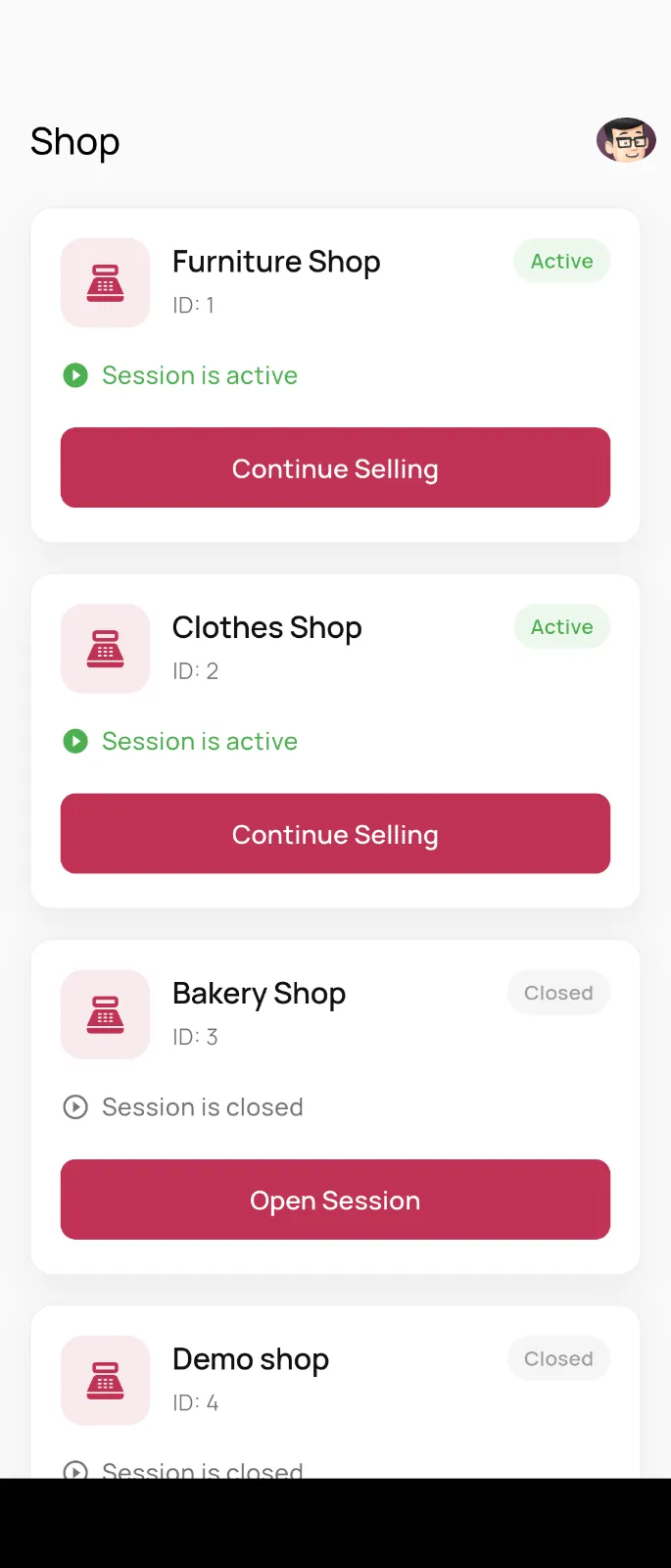
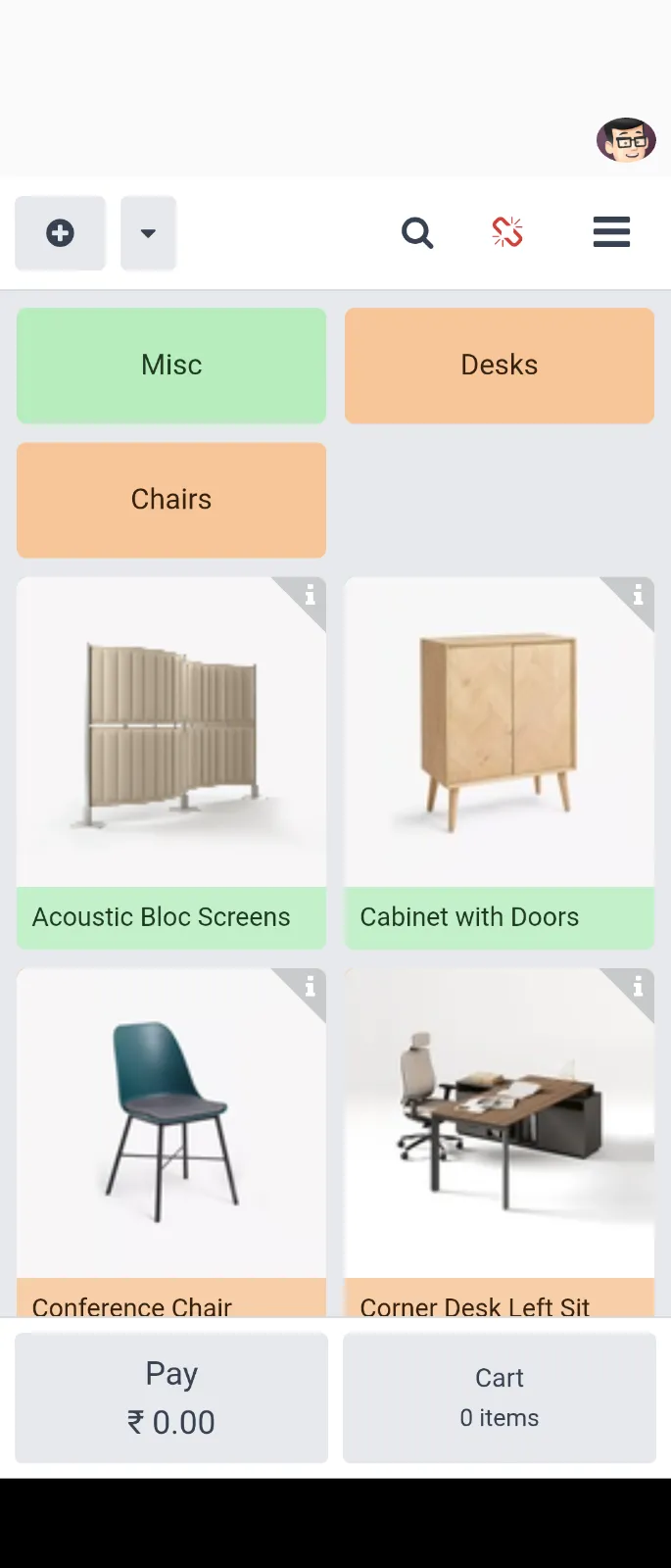
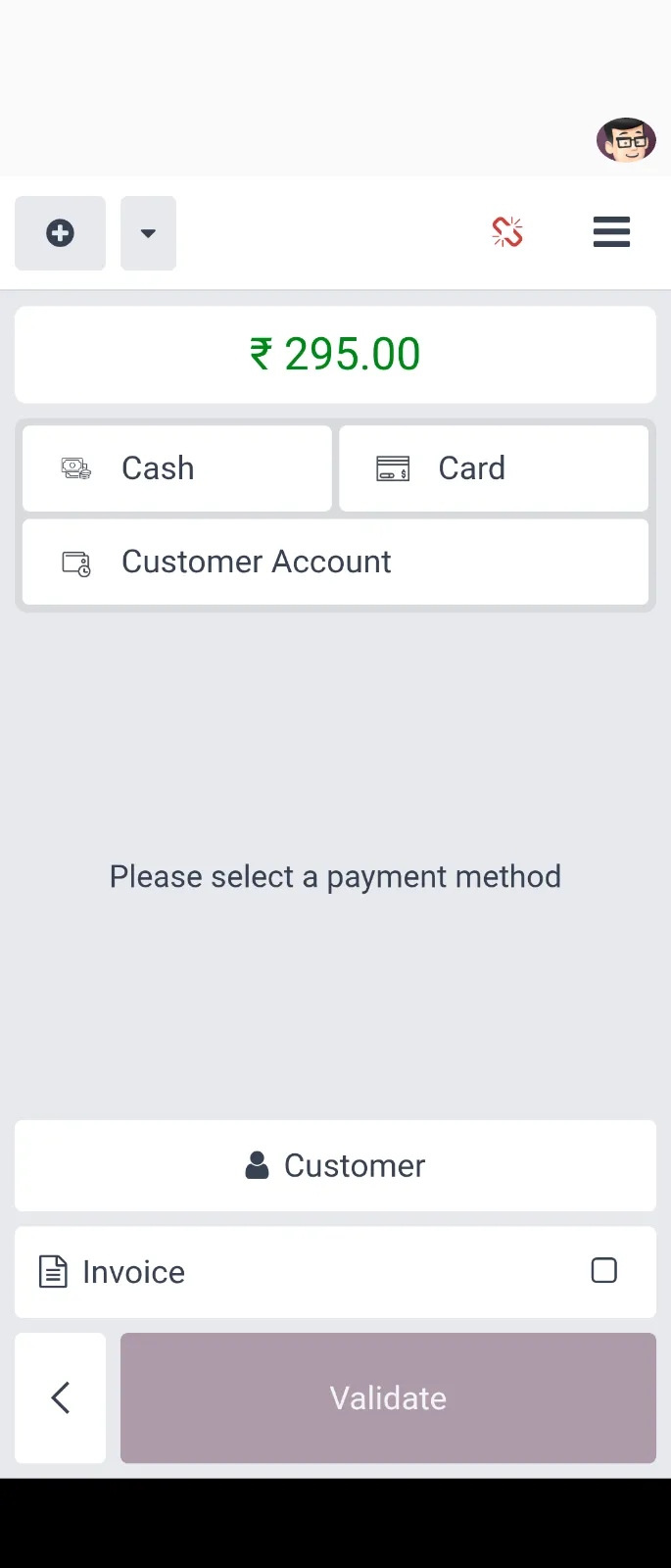
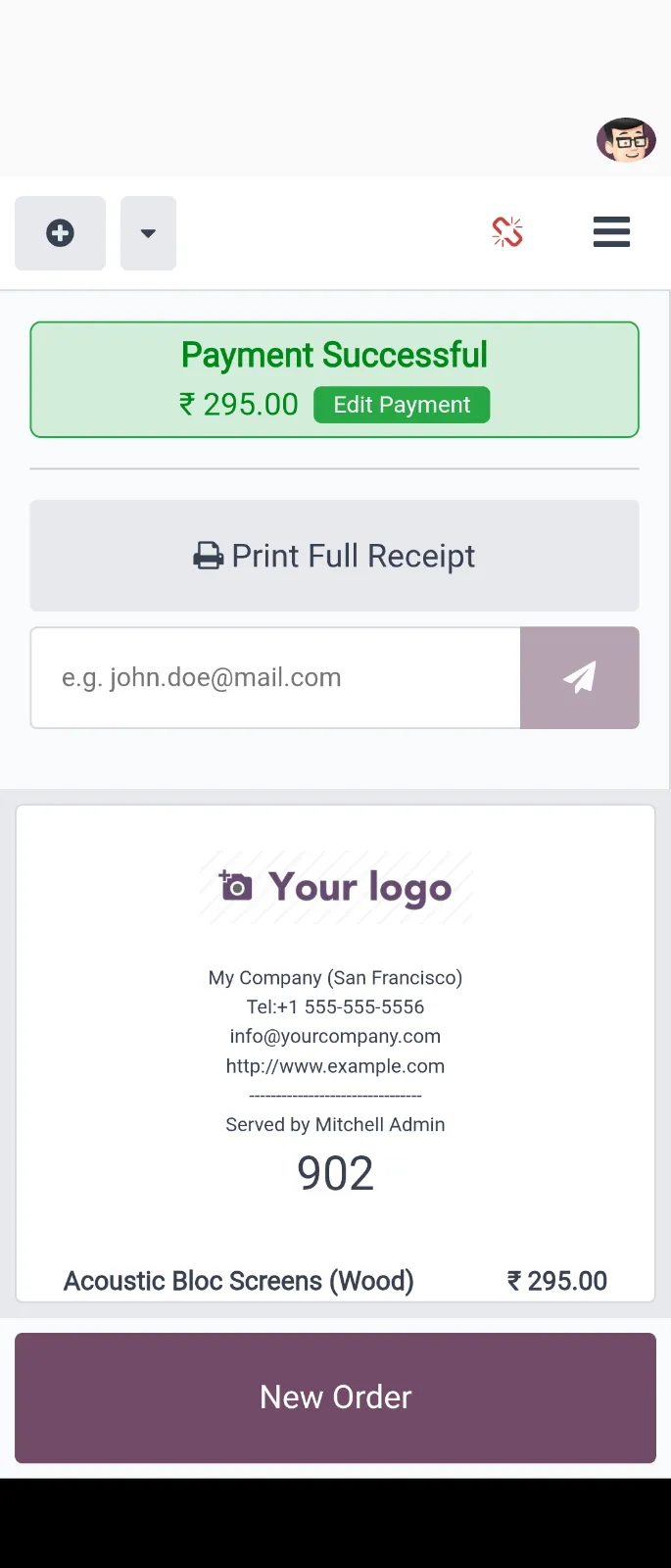
screenshot1 screenshot2 screenshot3 screenshot4
← Swipe to view more →
⚡ Fast checkout📦 Live stock🧾 Shift control🖥️ Customer display🔐 PIN / fingerprint unlock

COKOPOS is a fast point-of-sale app: phone-first vertical category rail, barcode-friendly checkout, cash & payment flows, and shift control. Your data stays between your phone and your COKOPOS server.

1Step-by-step guide (just follow along)

1

Download the APK file

Tap the green Install button above, takes 1–2 min

  1. Tap the green Install button at the top. The browser starts downloading COKOPOS.apk.
  2. If Chrome warns “Harmful file”, tap “Download anyway” — this is normal for APKs outside the Play Store.
  3. Wait until the notification bar shows COKOPOS.apk ✓, keep Wi-Fi on.
⬇ Install
COKOPOS.apk · 66.5 MB ✓
Download anyway
⬇ Downloads
COKOPOS.apk
69.7 MB · Done
Open file
📦
COKOPOS.apk
Go to step 2 →
← Swipe →
💡 Can't find the file? Chrome → ⋮ menu → Downloads → COKOPOS.apk.
2

Allow “Install unknown apps” (one-time only)

Your phone asks for permission when you open the APK

  1. Tap the downloaded COKOPOS.apk. The phone says “Install blocked for security”.
  2. Tap Settings, find Chrome (or your browser), turn the switch ON → go back.
Samsung:Settings → Apps → ⋮ → Special access → Install unknown apps → Chrome → Allow
Xiaomi / Redmi:Settings → Apps → Authorization → Install unknown apps → Chrome → Allow
Malay: Tetapan → Aplikasi → Kebenaran → Pasang aplikasi tidak dikenali → Chrome → Benarkan
Huawei / Honor:Settings → Security → More settings → Install unknown apps → Chrome → Allow
OPPO / vivo / OnePlus:Settings → Security → Install unknown apps → Chrome → Allow
Stock Android: Settings → Apps → Special app access → Install unknown apps → Chrome → Allow
⚠️ Blocked
Not allowed to install unknown apps.
Settings
Install unknown apps
Allow Chrome
✅
Allowed — go back
〈 Back
🔒 Only allow it for Chrome (the browser you downloaded with). This is Android's standard security step.
3

Install & open the app

Tap Install → wait 10s → tap Open

  1. Go back and tap COKOPOS.apk again, then tap Install.
  2. Wait ~10s until “App installed”, then tap Open.
  3. A black COKOPOS icon on your home screen means success ✅
C
COKOPOS
Install this app?
Install
Cancel
⏳
Installing…
🎉
App installed
Open
Done
4

Connect your COKOPOS & start selling

Enter server address + account, live in 30s

  1. Open COKOPOS and enter COKOPOS server address (e.g. https://pos.yourcompany.com — ask your manager. In-shop LAN: http://192.168.x.x:8069).
  2. Enter COKOPOS username + password (or PIN), pick store & terminal.
  3. Open products → start a sales shift → checkout ✅ Enable fingerprint / PIN unlock.
💡 Can't connect? Check: ① no spaces, starts with https:// ② same Wi-Fi for LAN ③ account has sales rights.

?FAQ

Q1: Is “Unknown source / Harmful file” safe?+
Safe. Android shows this for every APK outside the Play Store. COKOPOS.apk is the official build (package com.cokopos.pos) requesting only Internet + network-state permissions. As long as you downloaded from this official page, tap “Download anyway”.
Q2: “App not installed” — what to do?+
① Uninstall any old COKOPOS first; ② keep 300MB+ free space; ③ re-download the full APK (66.5MB — smaller means incomplete); ④ reboot and retry.
Q3: Can I install on iPhone?+
No — APK is Android-only. On iPhone, use Safari to open the COKOPOS web version, or contact us for the iOS build.
Q4: How do updates work?+
When a new version is out, open this page again and install the new APK over the old one — login & settings are kept.

iApp info

App nameCOKOPOS
Version1.0.36+51
Packagecom.cokopos.pos
FileCOKOPOS.apk · 69,703,590 bytes (≈66.5 MB)
Android8.0+ (arm64 / armeabi)
PermissionsINTERNET, ACCESS_NETWORK_STATE (network only)
Developersupport@cokopos.com · cokopos.com
🛡️ Why direct APK?
The official COKOPOS build is not on Google Play yet (some shop phones have no Play Store), so we distribute the APK from this official page. Same flow as Play: tap → download → install → open.
📋 Share with staff: copy the URL, or show a QR code (generate after hosting).
📞 Need help?
✉️ support@cokopos.com
🌐 cokopos.com
🔒 cokopos.com/privacy
COKOPOS